
When you view the Zen IPAG home page, you can see a certain number of articles. Other articles about you will be displayed when you connect with your e-mail address "@ ipag.fr".
Connecting to IPAG Zen
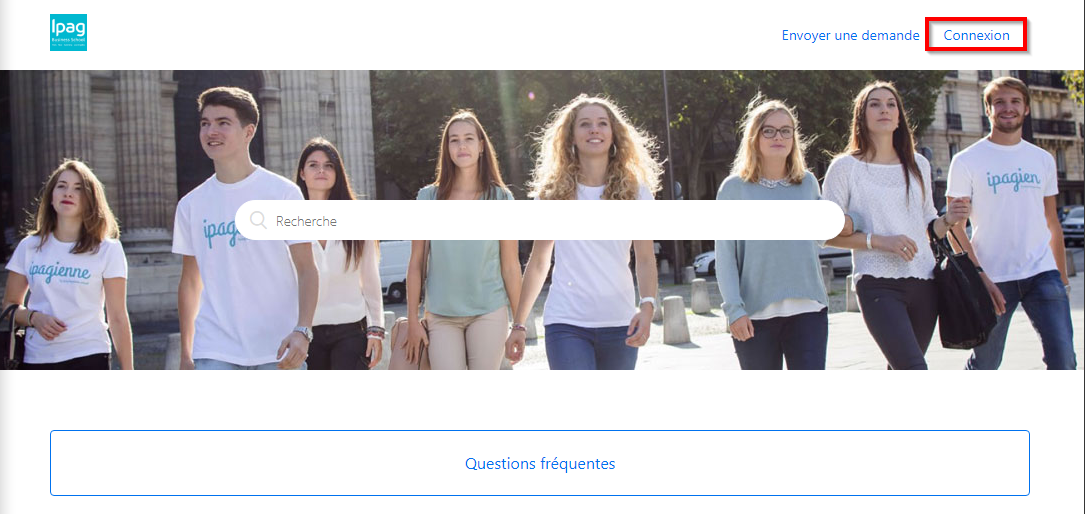
- Click on the "Connexion" link at the top right of the page
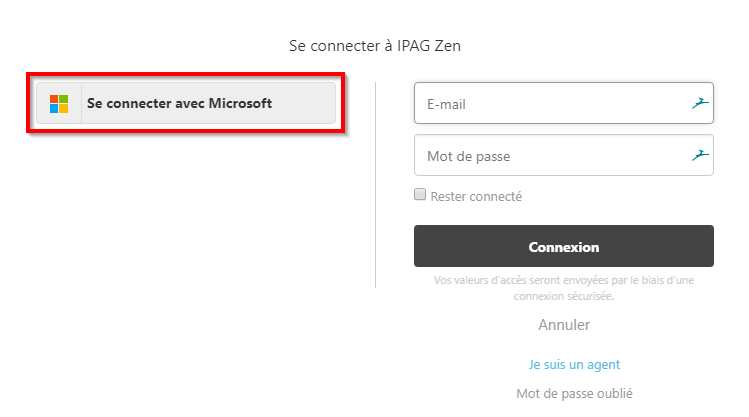
- In the login window that appears, click "Connect with Microsoft"
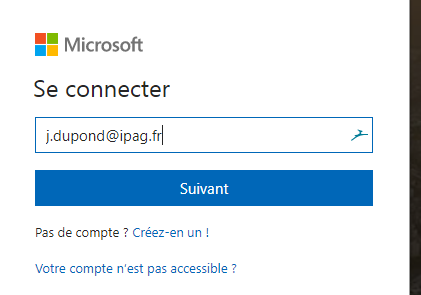
- Enter your IPAG email address
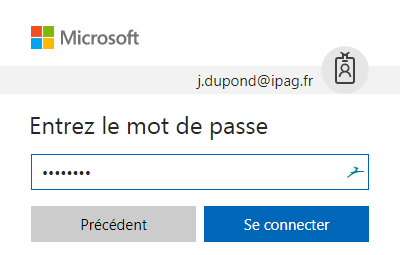
- Then your password (the same as for IPAGORA or your e-mail address "@ ipag.fr")
- Your name appears at the top right of the page

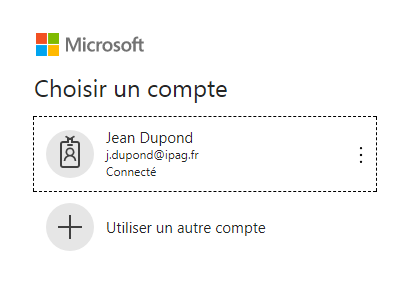
If you were already connected to IPAGORA or your e-mail address on Outlook Online, the login window displays your account "@ ipag.fr" and asks you to confirm that you want to connect with this account.
Comments
0 comments
Please sign in to leave a comment.