
This guide is for all the member of IPAG (students, teacher, staff).
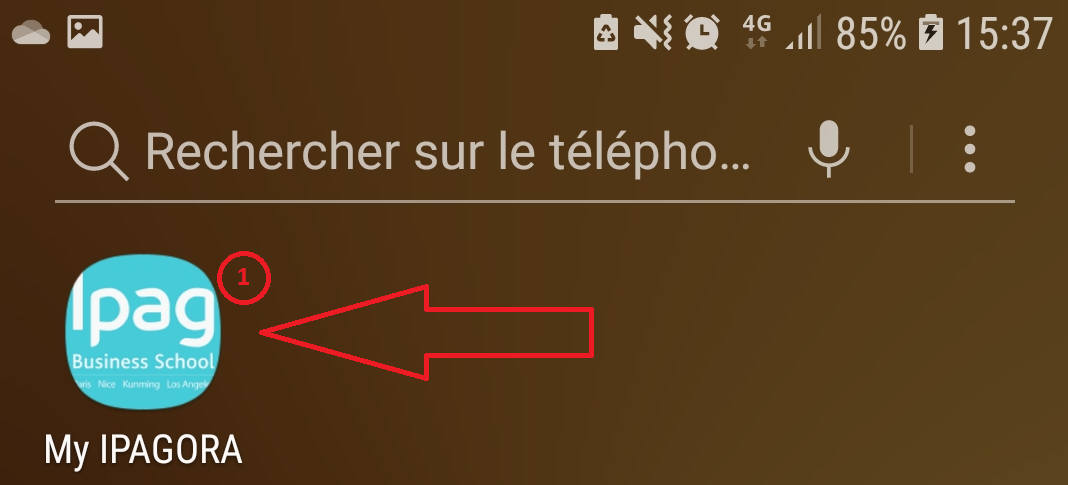
- Launch the app from your phone.
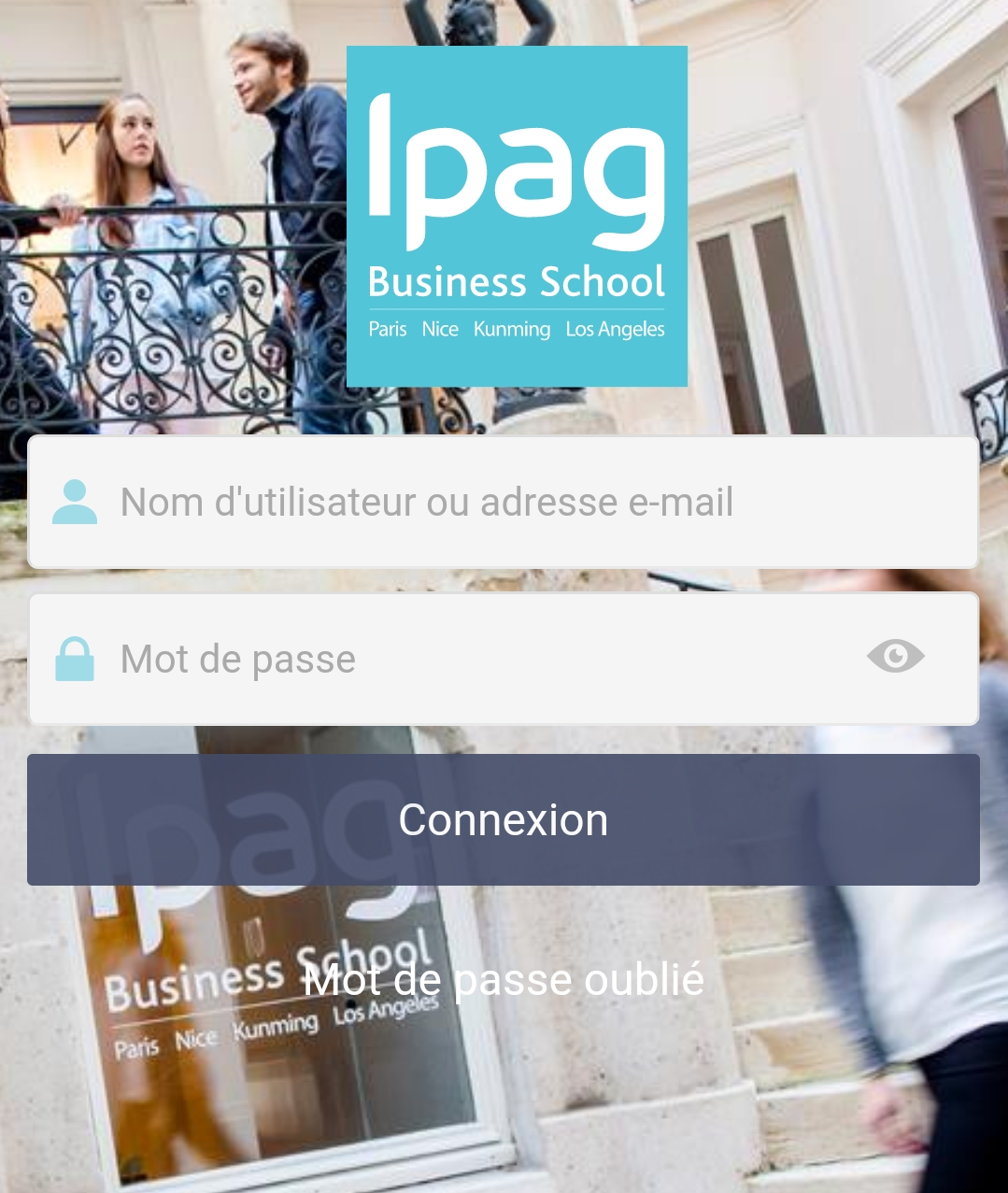
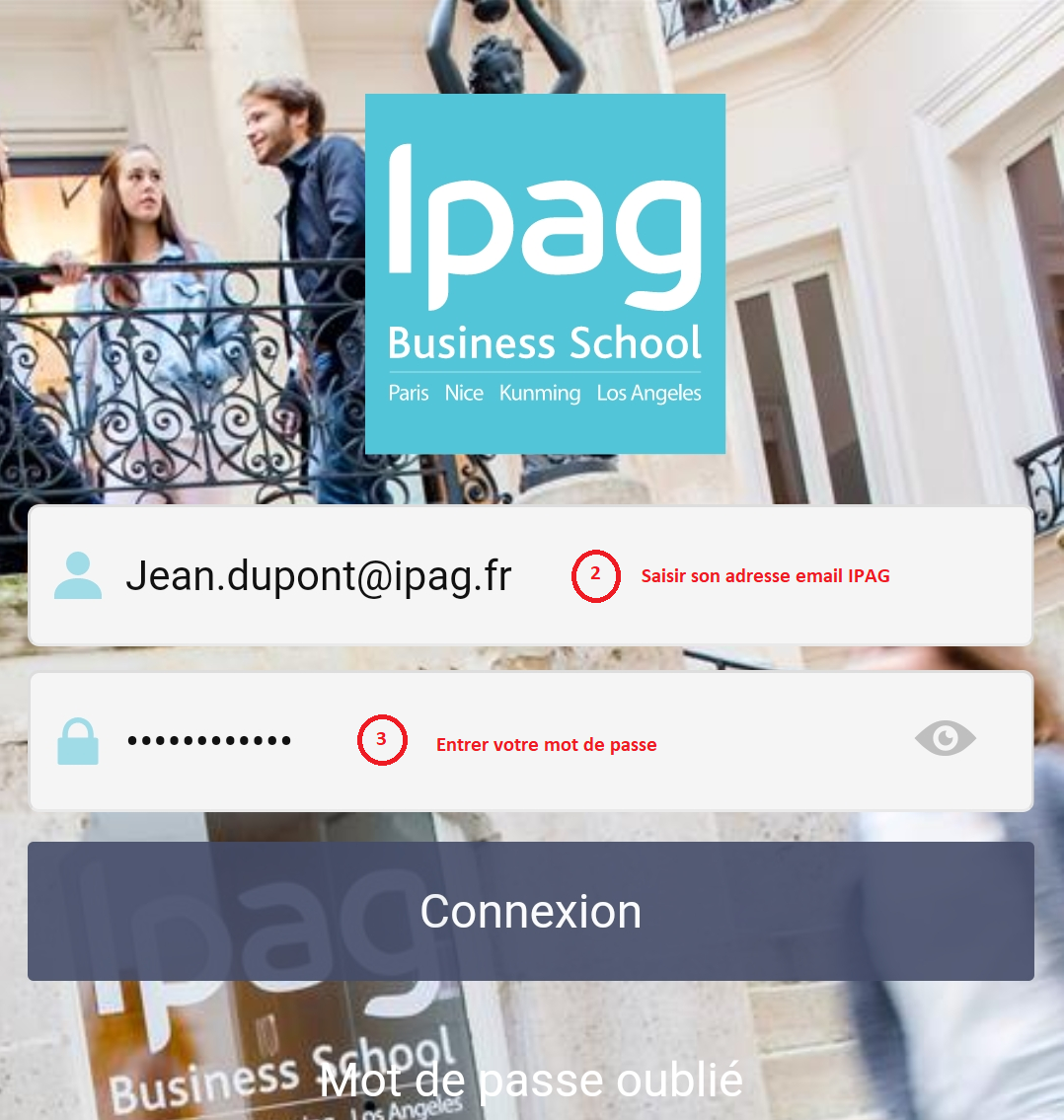
- When you first launch the app you will see this login screen.
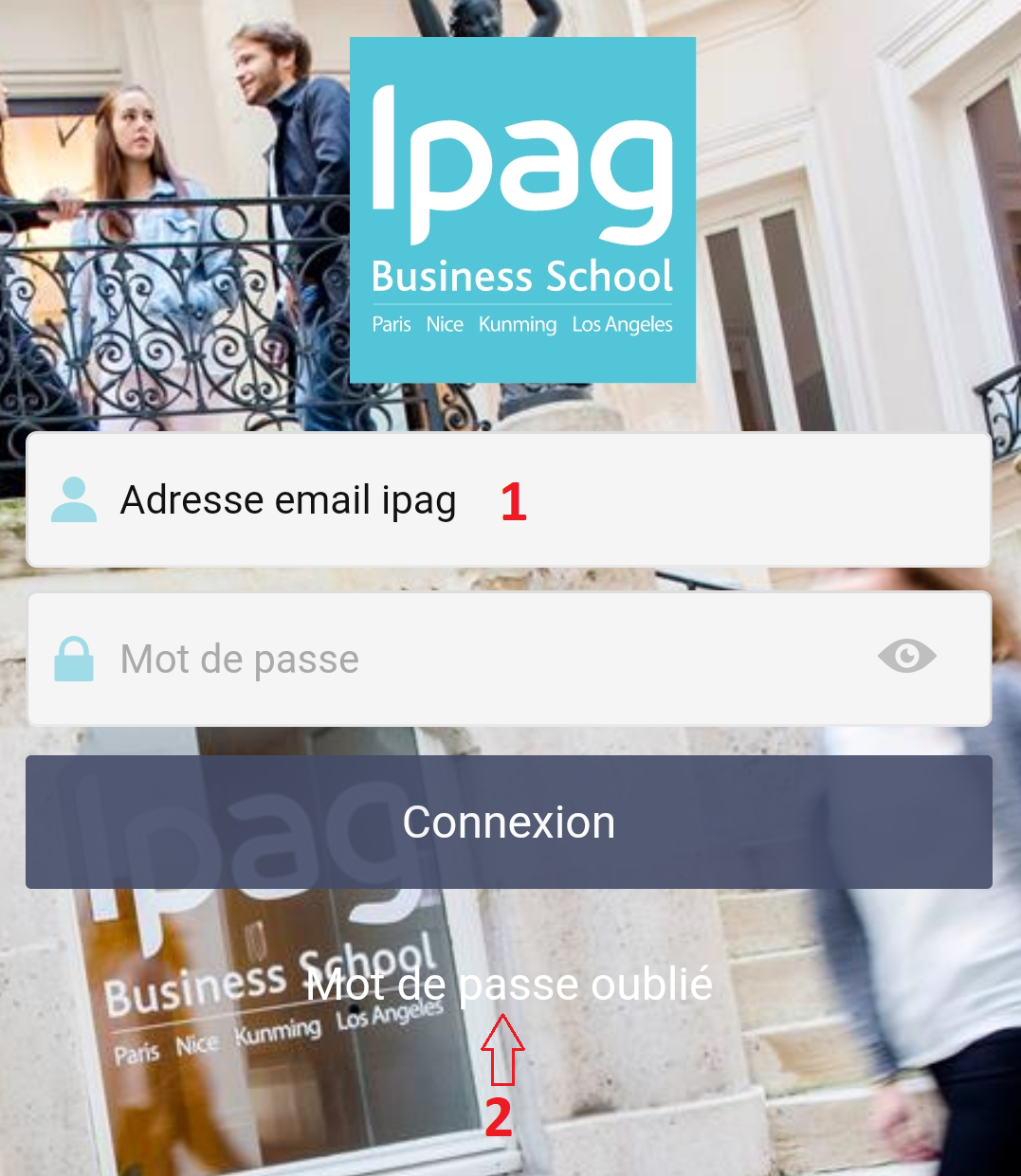
- Be aware, by using this app your login credentials is not properly set yet. You have to enter your IPAG email (1) and then tap on "Mot de passe oublié" (2).
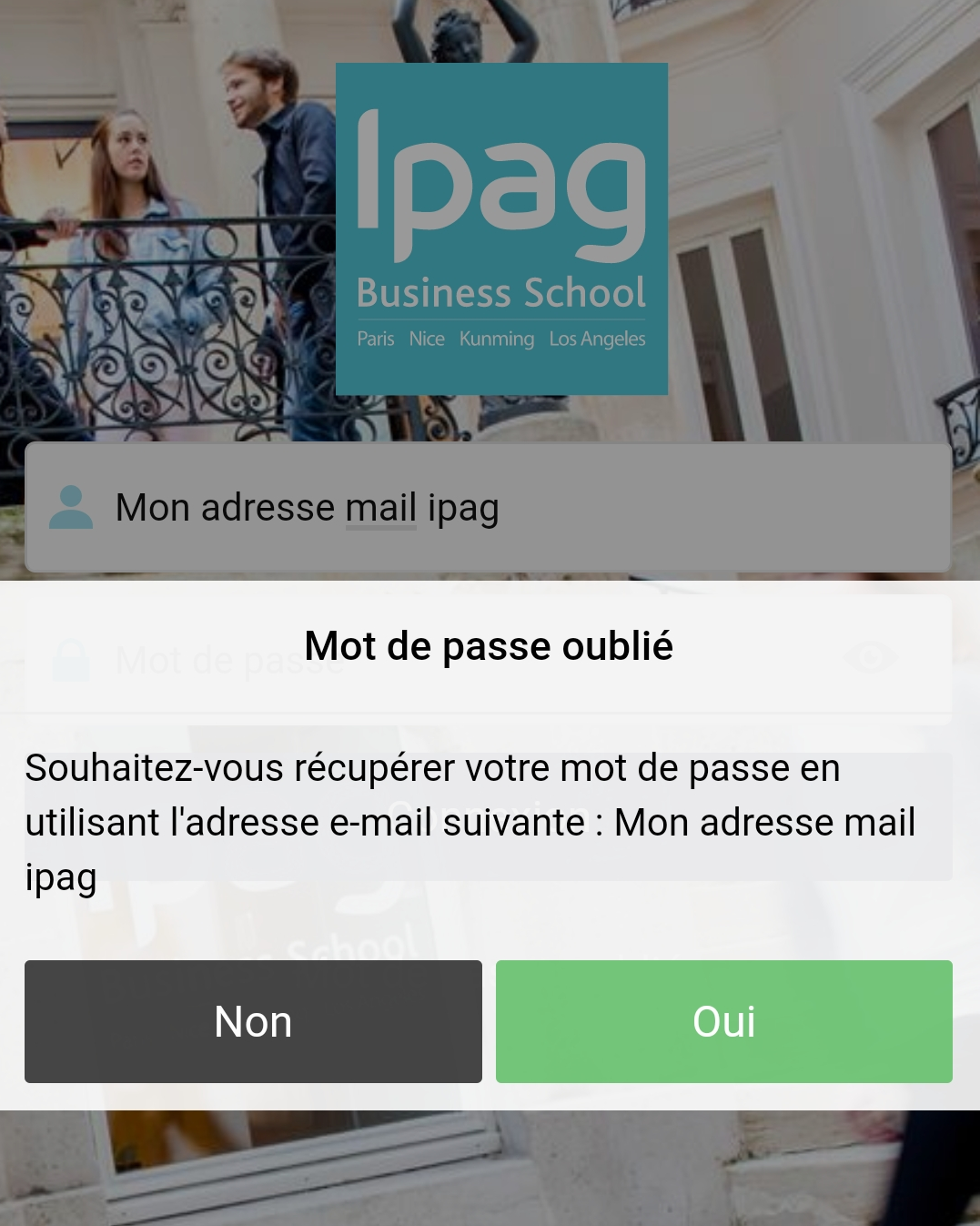
- Tap "Oui" to confirm.
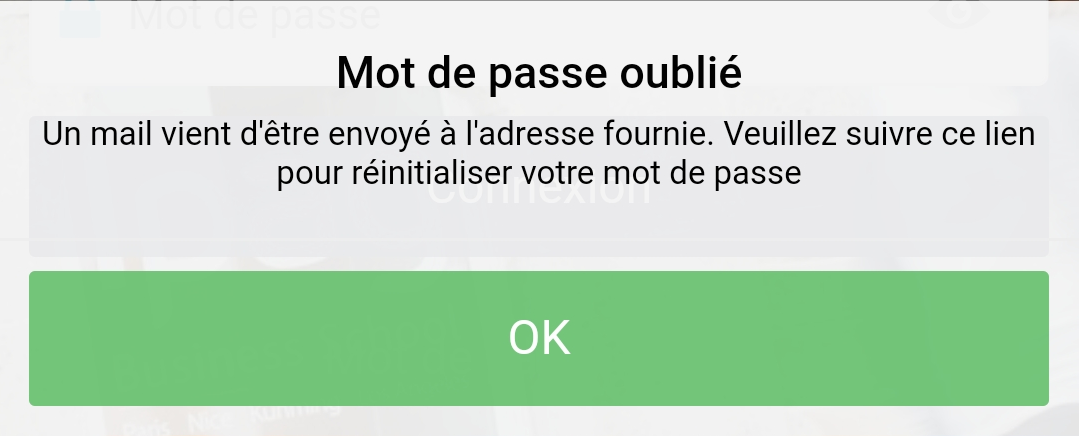
- This screen notifies you that your request has been taken care of. An email has been sent to your IPAG email with a link to reset the password.
To access your IPAG email : https://mail.office365.com/
Use your IPAG email and password we have provided.
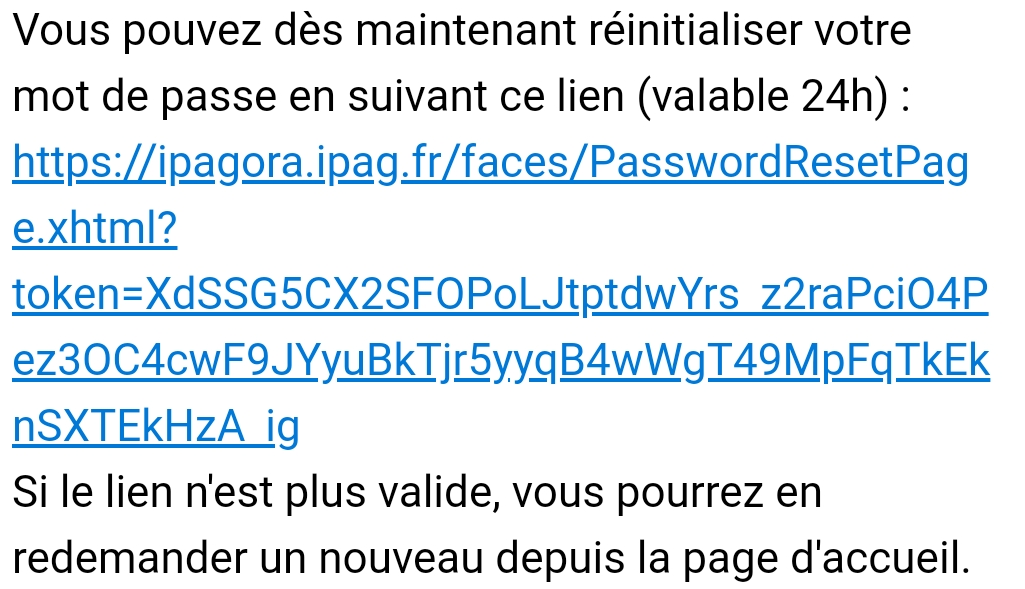
- You should see this similar message in your Inbox folder as shown below.
Tap on the link provided to set the password.
- You have to enter the same password we provided to you.
Enter the same password in the field below.
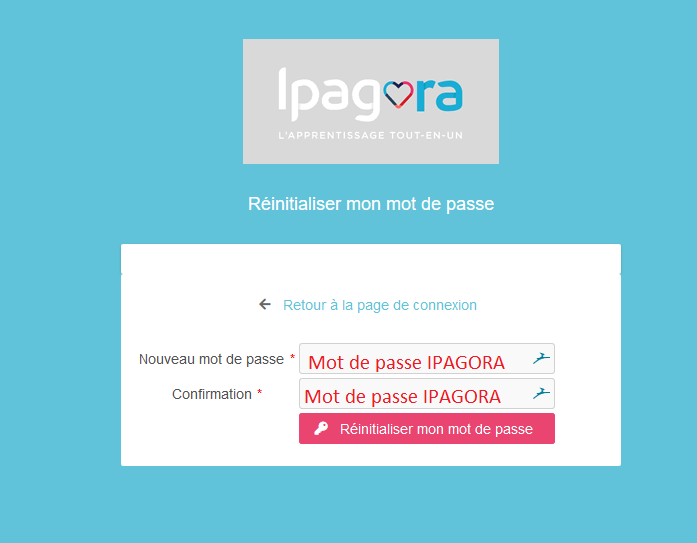
- Tap on "Réinitialiser mon mot de passe".
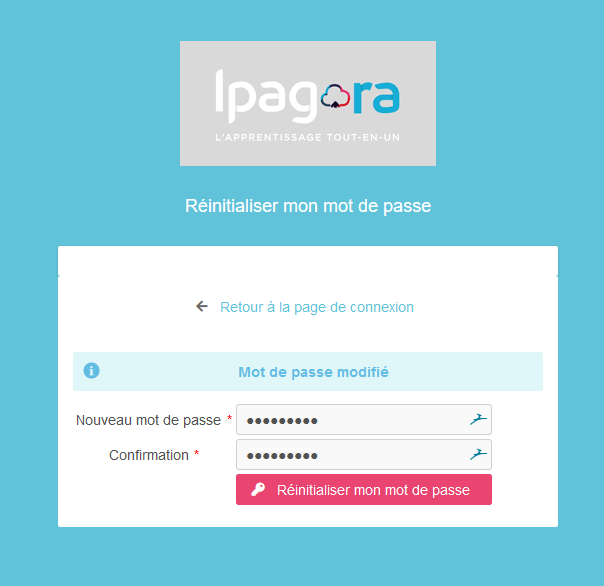
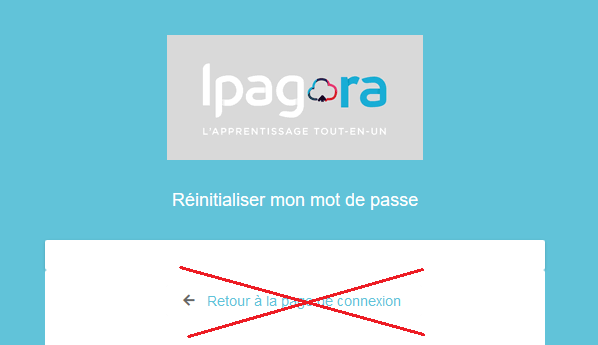
- Close this webpage, do not tap "Retour à la page de connexion".
- Launch the app again from your home screen.
- Your account is now properly setup. Enter your IPAG email and password.
Comments
0 comments
Please sign in to leave a comment.